
A .PFM memory has two entry types: Block and Term.
Block
A Block stores a full Source - Target pair. When Source matches the whole segment, you can insert the saved translation. The inserted Target becomes a draft and gets an M marker.
Blocks work well for repeated sentences, headings, warnings and fixed product descriptions.
Term
A Term stores a source term and the required Target form. It can be a brand name kept unchanged or a technical term with an approved translation.
Polyframe only checks Terms. It never inserts them automatically. A missing required form gets a T! marker.
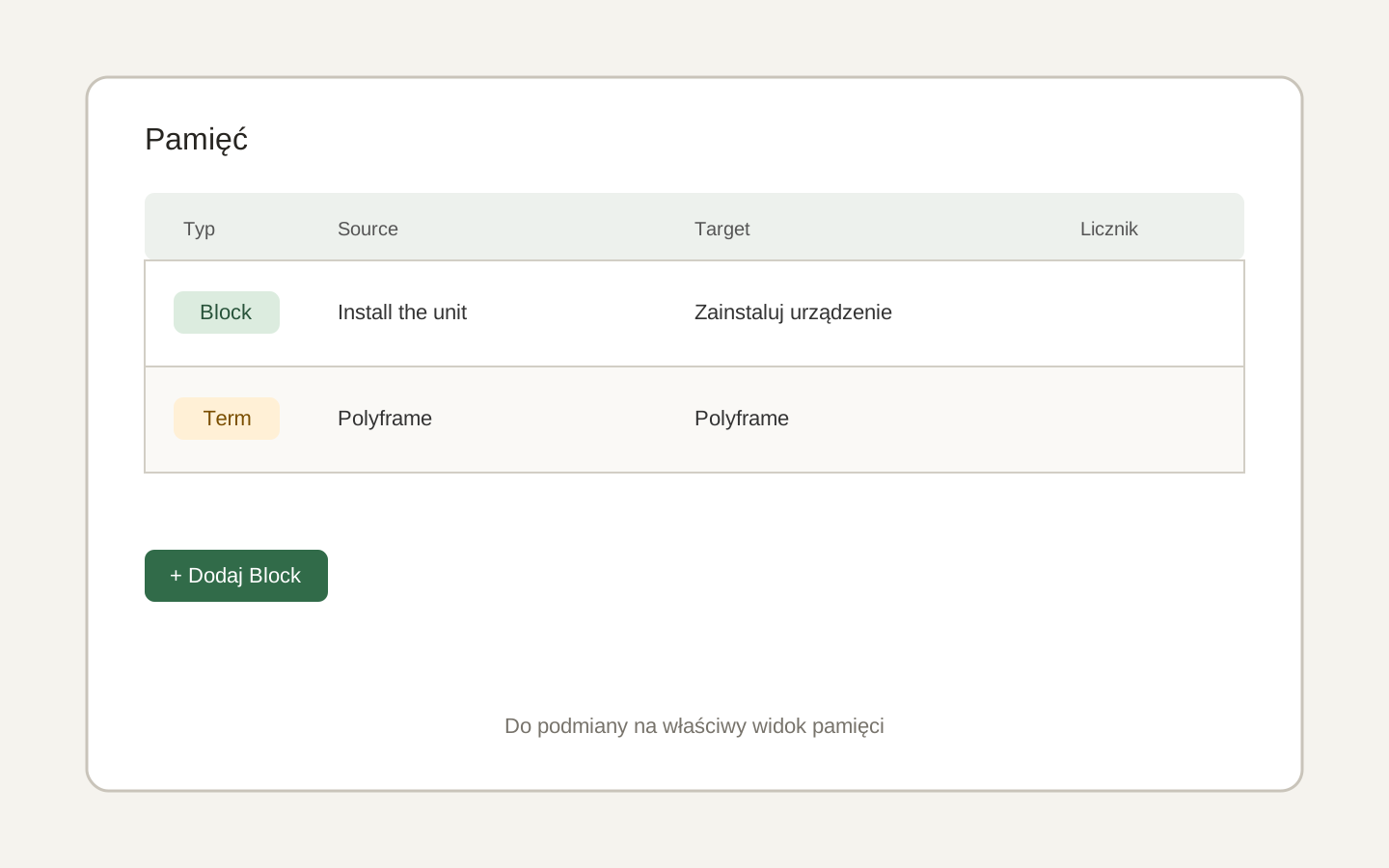 Image placeholder: show one Block and one Term with Source and Target fields. 16:10 crop. Target alt text: “Block and Term entries in Polyframe Memory”.
For a name that must not be translated, create a Term with the same Source and Target value.
For a larger list, use TSV import.