
The Source column contains the text from IDML. Enter your translation in Target. You can translate the whole document manually. AI and translation memory are optional.
Choose the active language
Check the target language above the grid. If the project has several languages, choose the one you want to edit. Each language has its own Target text.
Enter and review a translation
- Select a Target cell and enter the translation.
- Compare Source and Target. Check product codes, numbers, protected names and inline tags.
- Use Search, the Empty filter or status filters to find the next rows.
- Save the project with Save or
Cmd/Ctrl+S.
Editing Target does not change Source. If you make a mistake, use Undo.
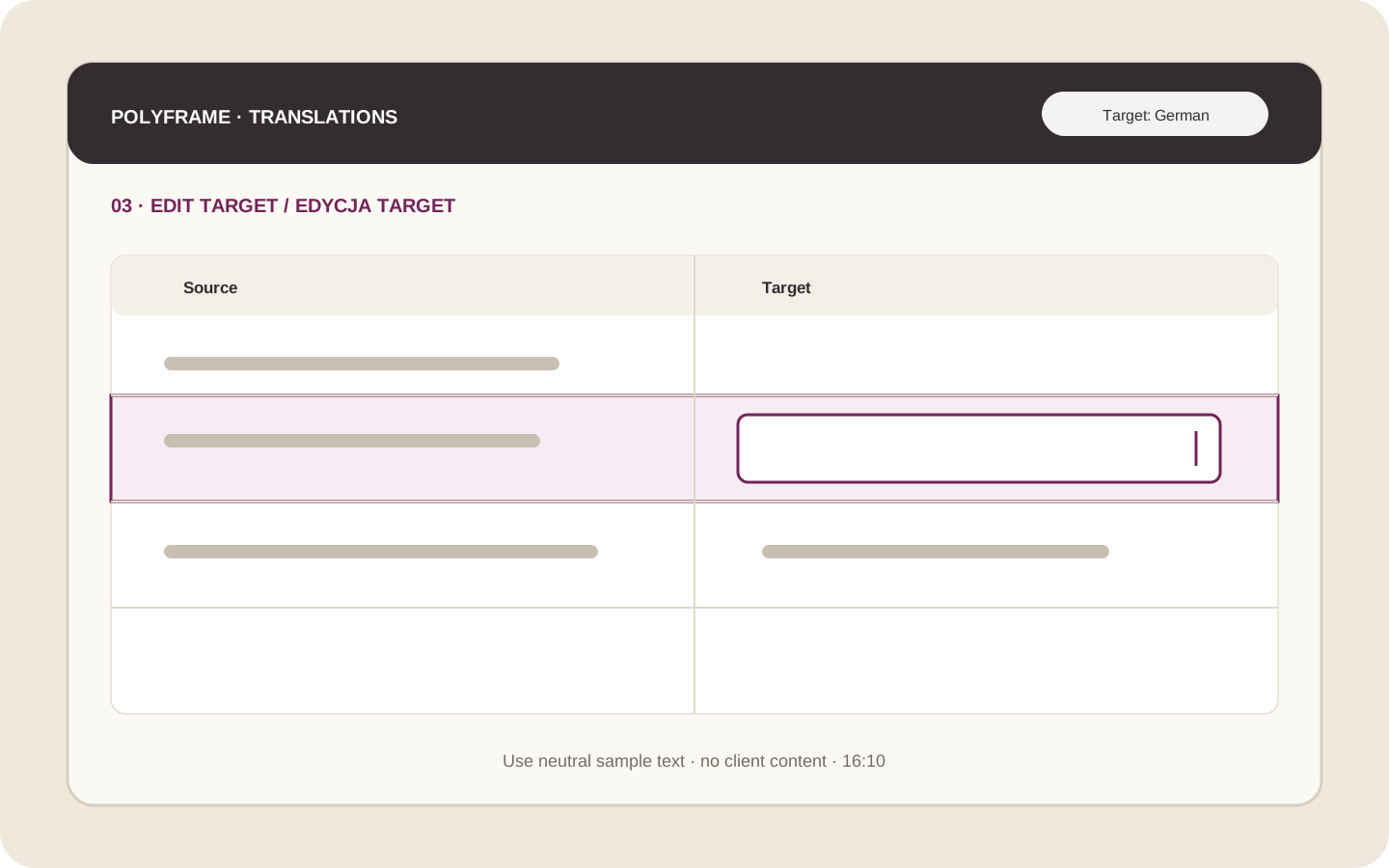 Illustration placeholder: show one Source row, an active Target field and the language selector. Use neutral sample text. Crop: 16:10. Final alt text: “Editing a target translation in the Polyframe grid”.
Use AI only when it helps
To create a first draft with AI, select one or more rows and choose Translate with AI. Review every result in Target. If you translate manually, you do not need an AI connection.
Do not remove or change inline tags unless you want to change the formatting. A missing tag may stop the export.
When the active language is translated and checked, continue with exporting the translated IDML.