
A status shows the current stage of a row. It helps you separate empty, draft, incorrect and approved translations.
What the statuses mean
- To translate - the Target field is empty.
- Review - a translation exists but has not been approved. Text entered by hand or created by AI gets this status.
- Warning - the translation needs a correction.
- Ready - the text has been checked and accepted for export.
- Structure error - validation found a problem, such as an inline-tag error. Fix it and run validation again.
Change a row status
- Select one or more rows.
- In the Status section, choose Review, Ready or Warning.
- Use the filters in the top bar to show only that group.
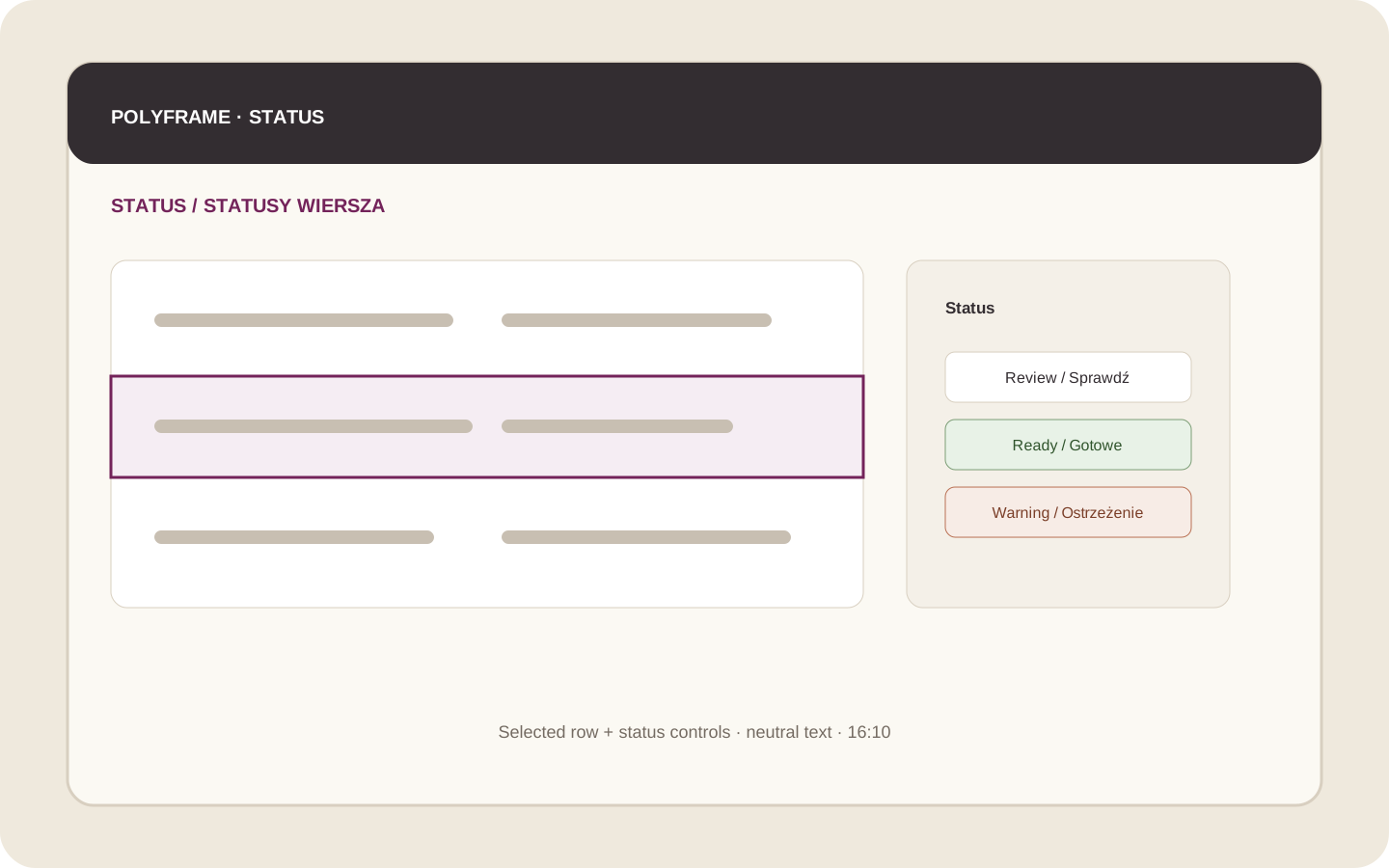 Illustration placeholder: show one selected row, its grid status and the three status buttons in the inspector. Crop: 16:10. Use neutral sample text. Final alt text: “Changing a translation status in Polyframe”.
Ready means that you have accepted the translation. It does not replace IDML validation or the final layout check in InDesign.
Do not mark the whole Target column as Ready without reading it. Statuses support your review but do not replace it.
Next, learn how to filter, search and sort rows.