
You do not need to scroll through the whole grid in a long document. Search, filters and sorting help you find the right rows.
Find the rows you need
-
Enter a word in Search. Polyframe checks Source and Target text, plus story, layer and paragraph-style names.
-
Select one of the four status filters:
- Empty - rows without a translation;
- Translated - text with the Review status;
- Ready - approved translations;
- Wrong - text marked for correction.
-
Select the PG, Source, Target or Delta header to sort the result. Select it again to reverse the order. Delta helps you find the largest differences in text length.
An active filter shows one group at a time. Select it again to return to the full list. You can combine status and search with table, layer and style filters. Clear Search to show all matching rows again.
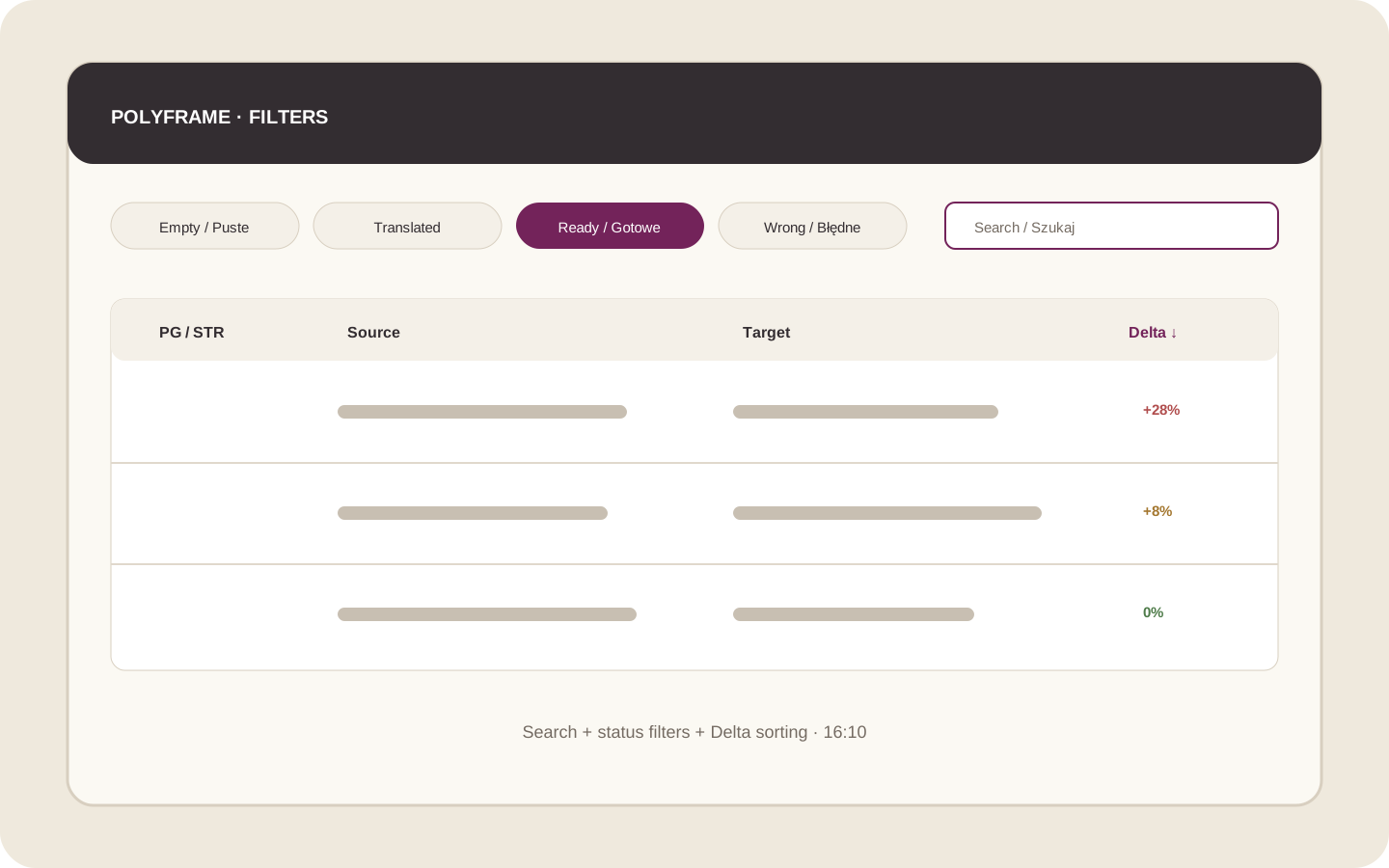 Illustration placeholder: show Search, the four status filters and active sorting in the Delta column. Crop: 16:10. Final alt text: “Searching, filtering and sorting the Polyframe grid”.
An active filter may hide a row that was selected before. If the grid is empty, clear Search and turn off the status filter.
Next, learn about repetitions and editing matching rows together.