
The bar below the grid summarises the current document scope. It shows counts for all segments, Ready, Structure error, Review, Warning and To translate, plus the Source word count.
Read the counts
- Ready - segments accepted for publication;
- Structure error - issues that may block safe export;
- Review - drafts, including AI results;
- Warning - translations marked for correction;
- To translate - empty Target fields.
The bar follows search and structure, layer, style and table filters. This lets you read the state of one part of the document.
The quality legend explains extra markers:
AI- Target created by AI;H- text edited by a person;M- text inserted from a Block;M!- Target differs from a matching Block;T!- a required Term is missing.
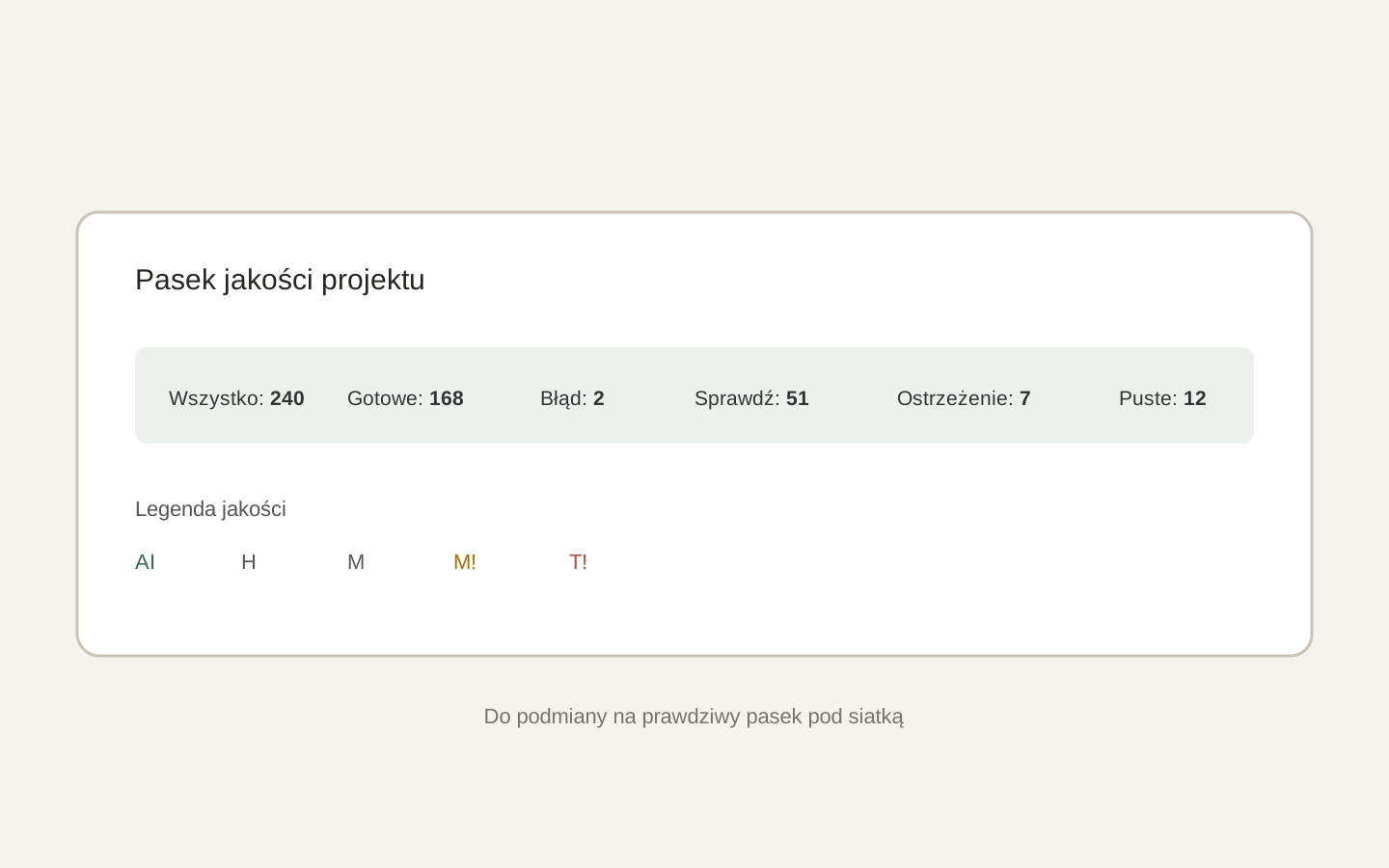 Image placeholder: show all status counts and the AI, H, M, M! and T! legend. 16:10 crop. Target alt text: “Polyframe project quality and status bar”.
A high Ready count does not replace IDML validation or layout checks in InDesign.
Before export, run inline tag validation.