
Inline tags describe formatting inside text, such as bold or italic ranges. Polyframe checks whether Target keeps their count, order and valid structure.
Run the check
- Select a target language.
- Click Validate or press
Cmd/Ctrl+Shift+L. - If issues appear, choose Show failed.
- Select a row and fix tags manually, or use Repair selected when available.
- Run validation again.
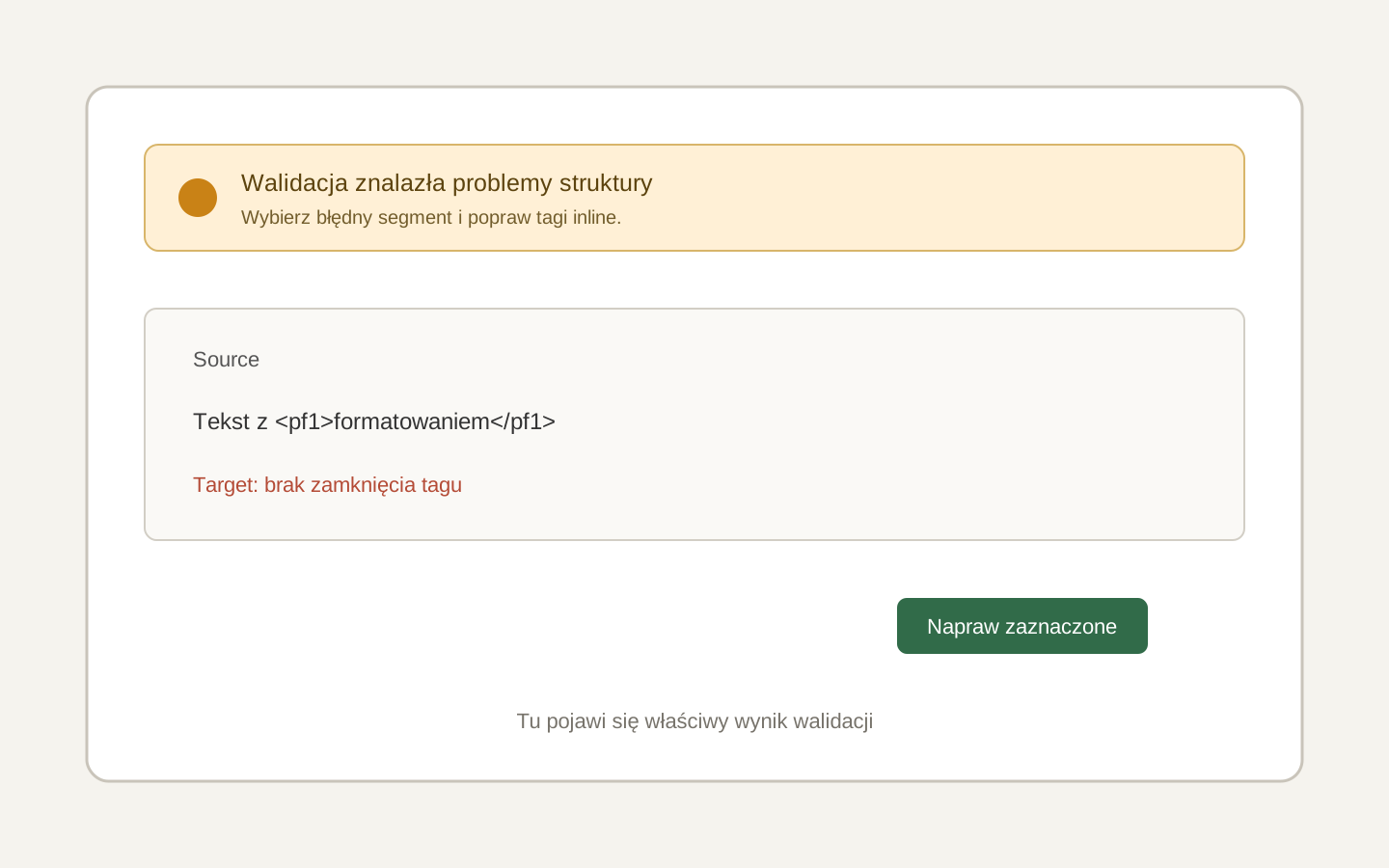 Image placeholder: show the issue message, a filtered row and Repair selected. 16:10 crop. Target alt text: “Validating inline tags before IDML export”.
The check covers translated segments in the current language. It also checks protected ACE markers and a paragraph return placed inside a segment.
Automatic repair cannot decide which words should have a style. After repair, check the meaning of the formatting, not only the passed result.
Next, choose an inline style export policy.