
The export policy decides what Polyframe does when a segment has broken inline tags.
Open Inspector > Settings > Export behavior and choose one option.
Stop and review
This is the default and safer setting. Polyframe stops export, marks affected segments as Structure error and lists them in Warnings. Fix the text and validate again.
Auto repair
Polyframe keeps the plain Target text and appends missing empty inline tags at the end before export. The IDML can be created, but formatting may not stay on the correct words.
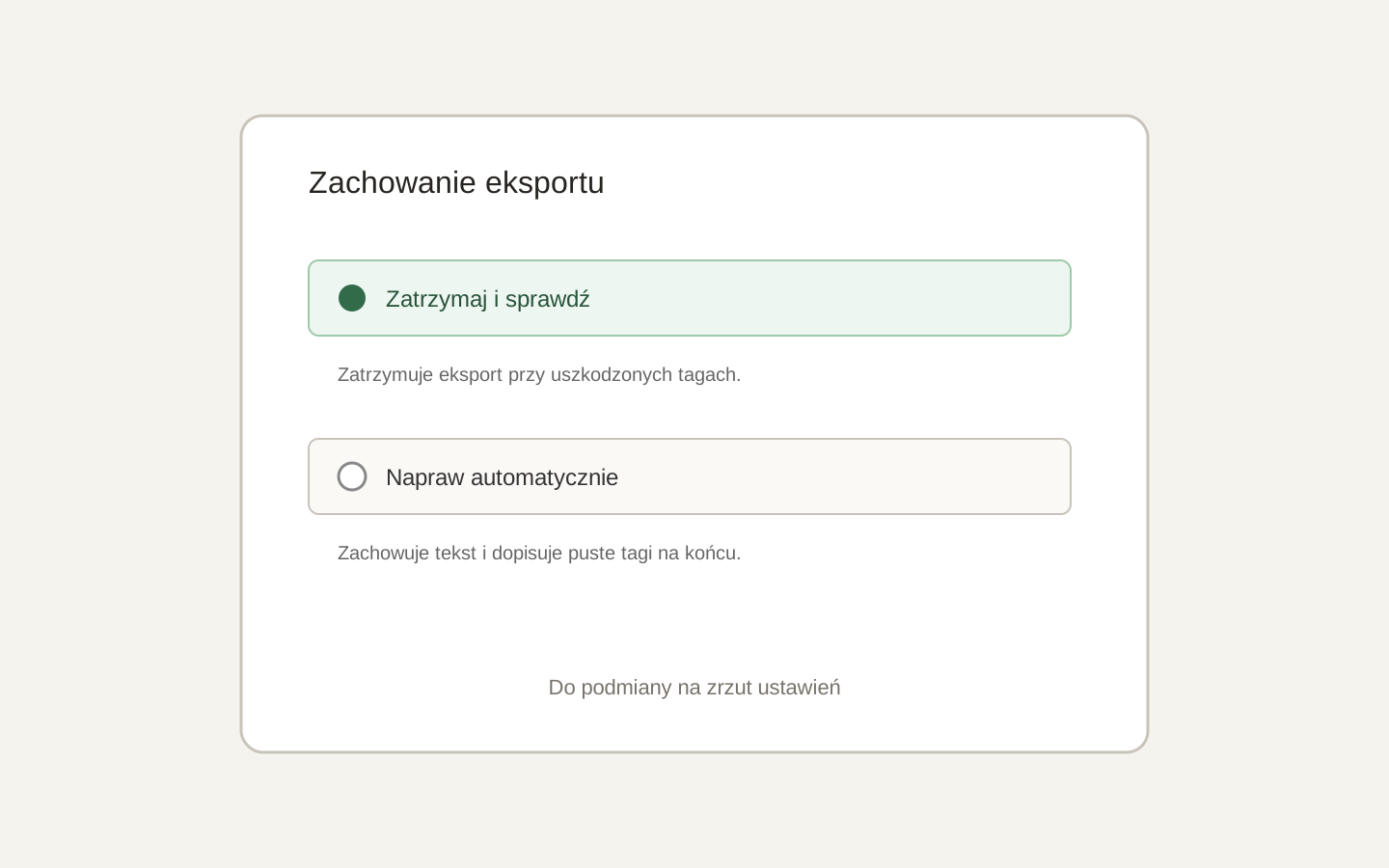 Image placeholder: show Stop and review and Auto repair with their help text. 16:10 crop. Target alt text: “Choosing the inline tag export policy in Polyframe”.
The setting is stored separately for each target language.
Auto repair is a fallback, not a replacement for review. Always check the exported document in InDesign.
For more detail, open the Warnings report.