
The Warnings tab collects issues and diagnostics for the project, selection, structure, AI, Terms and view settings.
Find a problem
- Open Inspector > Warnings.
- Click Select first to move to the first visible draft or warning.
- Use Show warnings to filter rows that need attention.
- Fix the selected Target and check the report again.
The report may show inline tag issues, a missing provider key, AI errors, parser notes, length outside the range, a missing Term or an export policy problem.
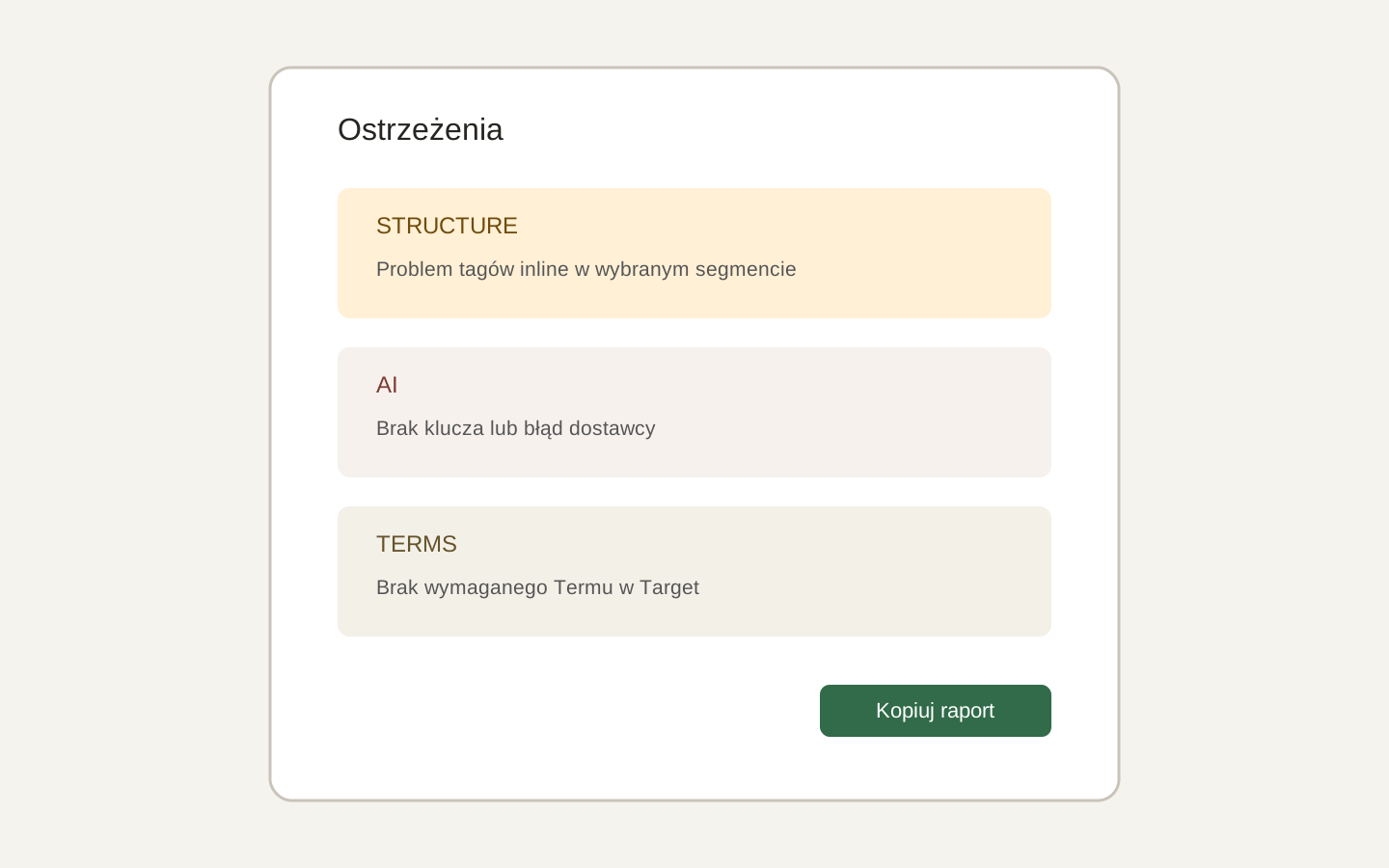 Image placeholder: show Structure, AI and Terms groups with filter buttons. 16:10 crop. Target alt text: “Project Warnings report in Polyframe”.
Copy report copies project diagnostics and current warnings to the clipboard. This is useful when contacting support.
Before sharing a report, check file names and paths. They may reveal your local folder structure.
For the overall state, read the project quality bar.