
Polyframe imports IDML, not a native .indd file. Before you start, prepare the current document in Adobe InDesign.
Prepare the files
- Open the document in InDesign and save the latest changes.
- Choose File > Export and select InDesign Markup (IDML).
- Save the IDML with a new name. Keep the original
.inddunchanged. - Export a current PDF too. It is a useful reference when you check text and layout.
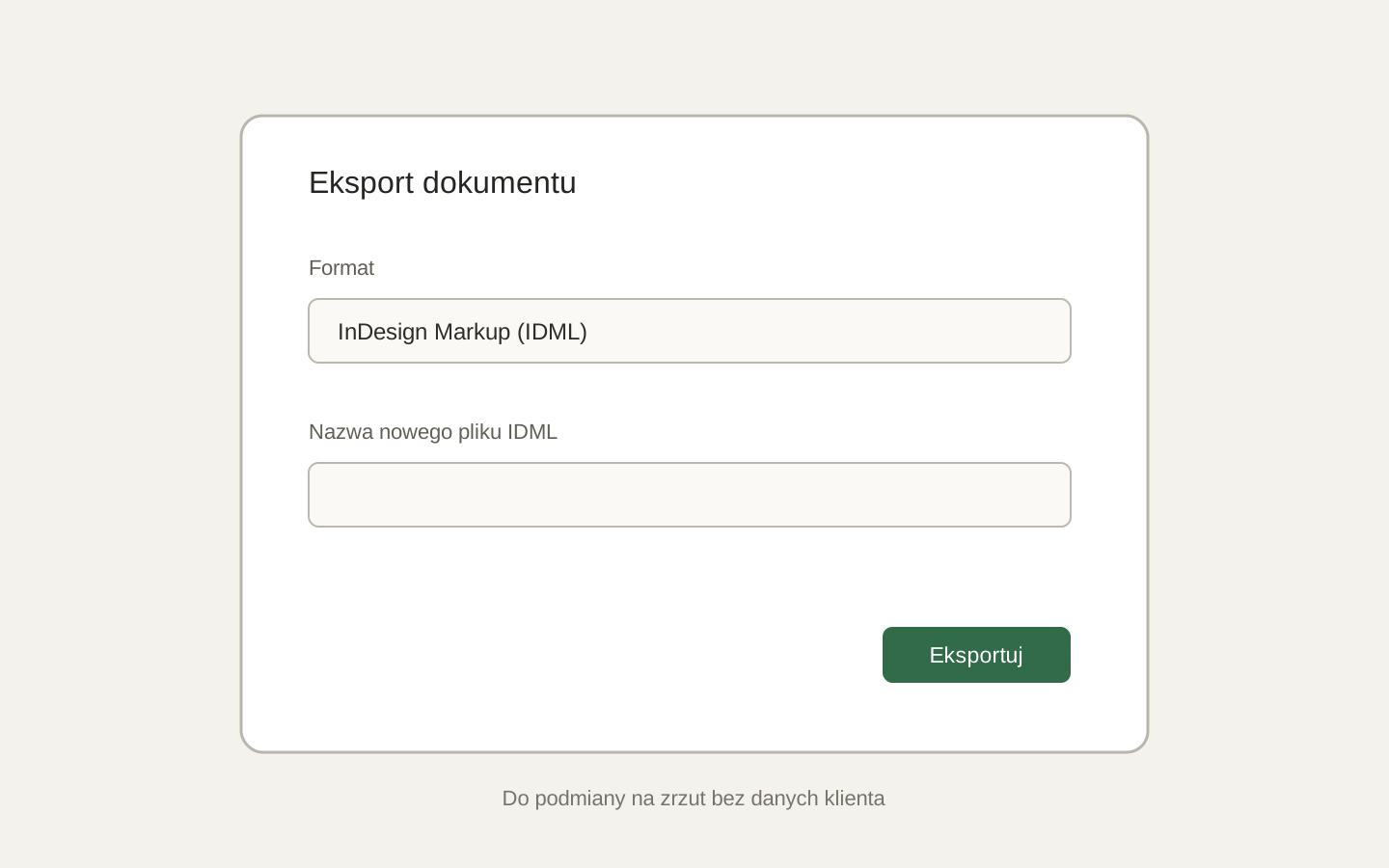 Image placeholder: show the InDesign export dialog with IDML selected and no client data. 16:10 crop. Target alt text: “Exporting an InDesign document to IDML”.
Polyframe works on an IDML copy and does not overwrite the source. When the translation is ready, it creates a new IDML that you can open in InDesign.
IDML carries document text and structure, but it does not replace final production checks. After export, check fonts, text flow, tables and overset text in InDesign.
You can now import the IDML into Polyframe.