
Shorten, Expand and Match Length work on existing Target text. They cannot run on an empty translation.
Adjust the text
- Select one or more translated rows.
- Open the context menu or use an action in the Inspector.
- Choose:
- Shorten to reduce Target length;
- Expand to add useful detail;
- Match Length to move closer to Source length.
- Read the result and check the Delta column.
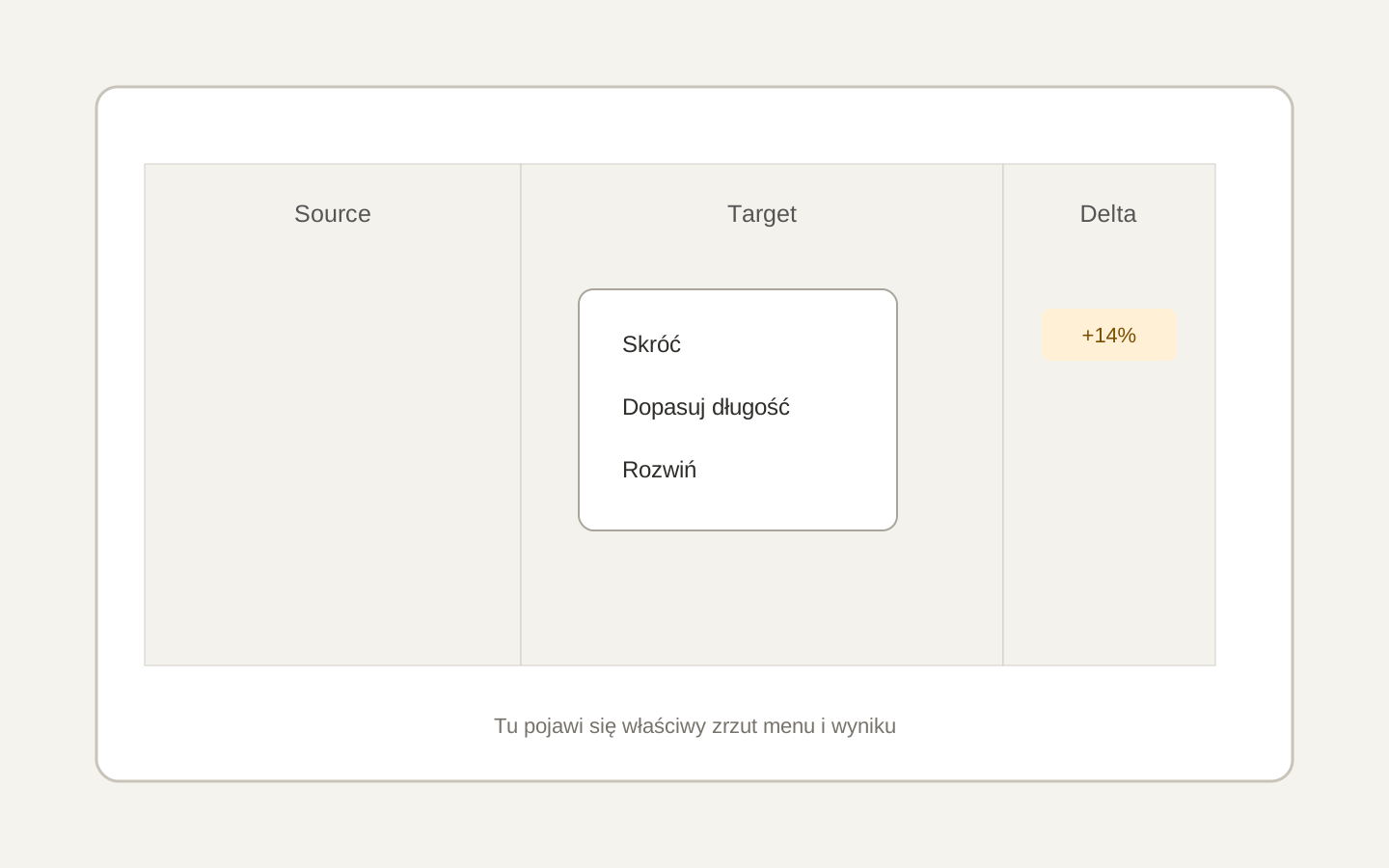 Image placeholder: show the three context menu actions and a changed Delta value. 16:10 crop. Target alt text: “Shortening and matching translation length with AI”.
The result is inserted as a draft. Actions can cover several selected rows and follow the repeat propagation setting.
DeepL supports translation only. Choose another provider for length editing.
Delta compares visible character counts, not the real space in an InDesign text frame. Always check the final layout after export.