
Polyframe Memory is stored in a separate .PFM file. You can create a new memory for a language pair or attach an existing one.
Create a memory
- Open the Memory tab in the Inspector.
- Click Create Memory.
- Choose the source and target languages.
- Save the
.PFMfile.
Attach an existing file
Click Attach Memory and choose a .PFM. Polyframe shows the number of Blocks and Terms and opens the Memory manager.
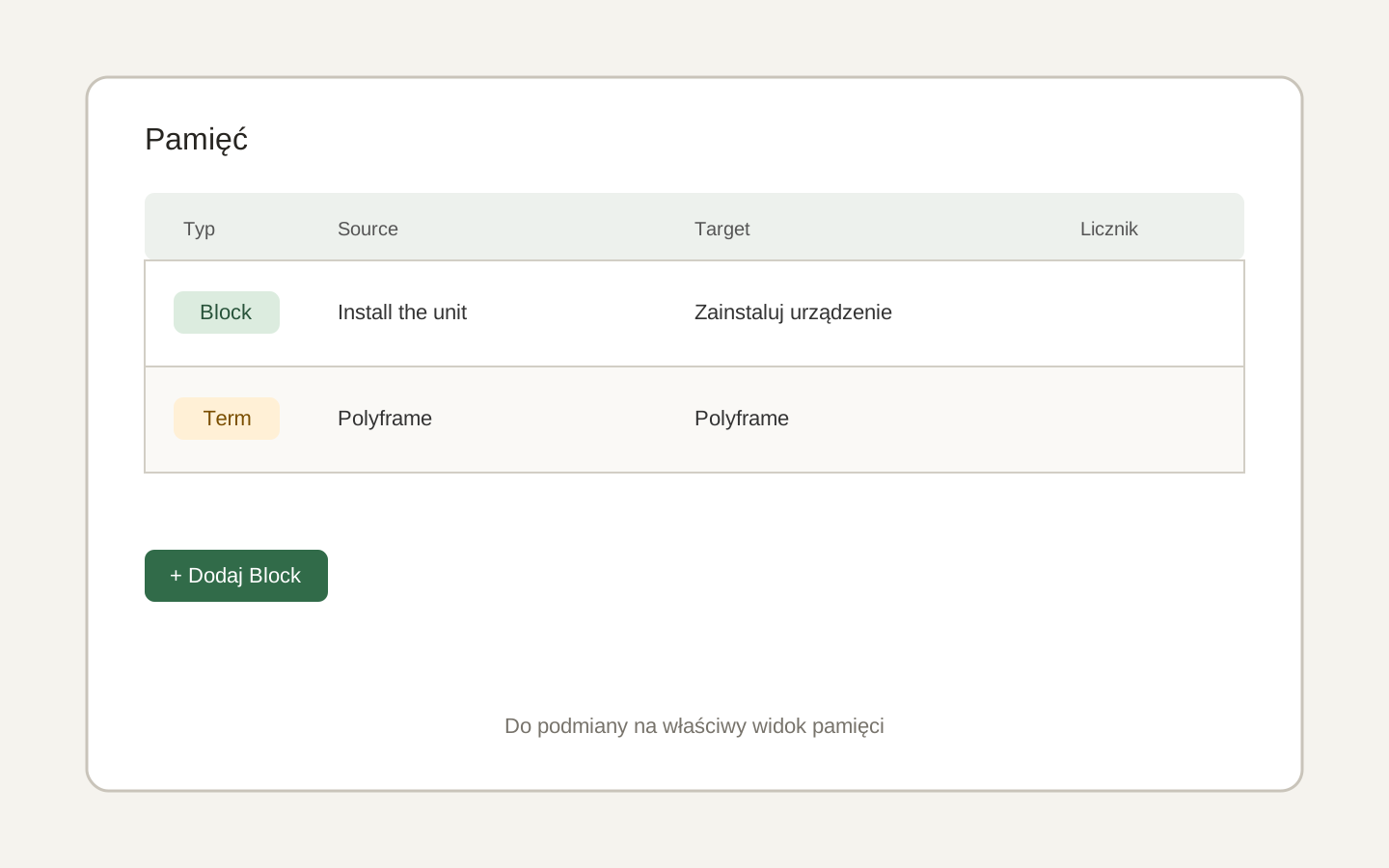 Image placeholder: show the no-memory state, Create Memory and Attach Memory buttons, and the list after attachment. 16:10 crop. Target alt text: “Creating and attaching a PFM memory in Polyframe”.
Memory matching works only when its target language matches the active project target. If they differ, you can still edit entries, but Block matching is disabled.
The .PFP project saves a link to the memory. If the file moves, use Locate Memory to point to it again.
Next, learn how Polyframe matches memory text.