
Nonprinting characters help you see spaces and breaks that are hidden in normal text.
Click Show nonprinting characters in the top toolbar. The view can mark:
- normal spaces;
- non-breaking spaces;
- tabs;
- forced line breaks;
- paragraph returns;
- inline style tags.
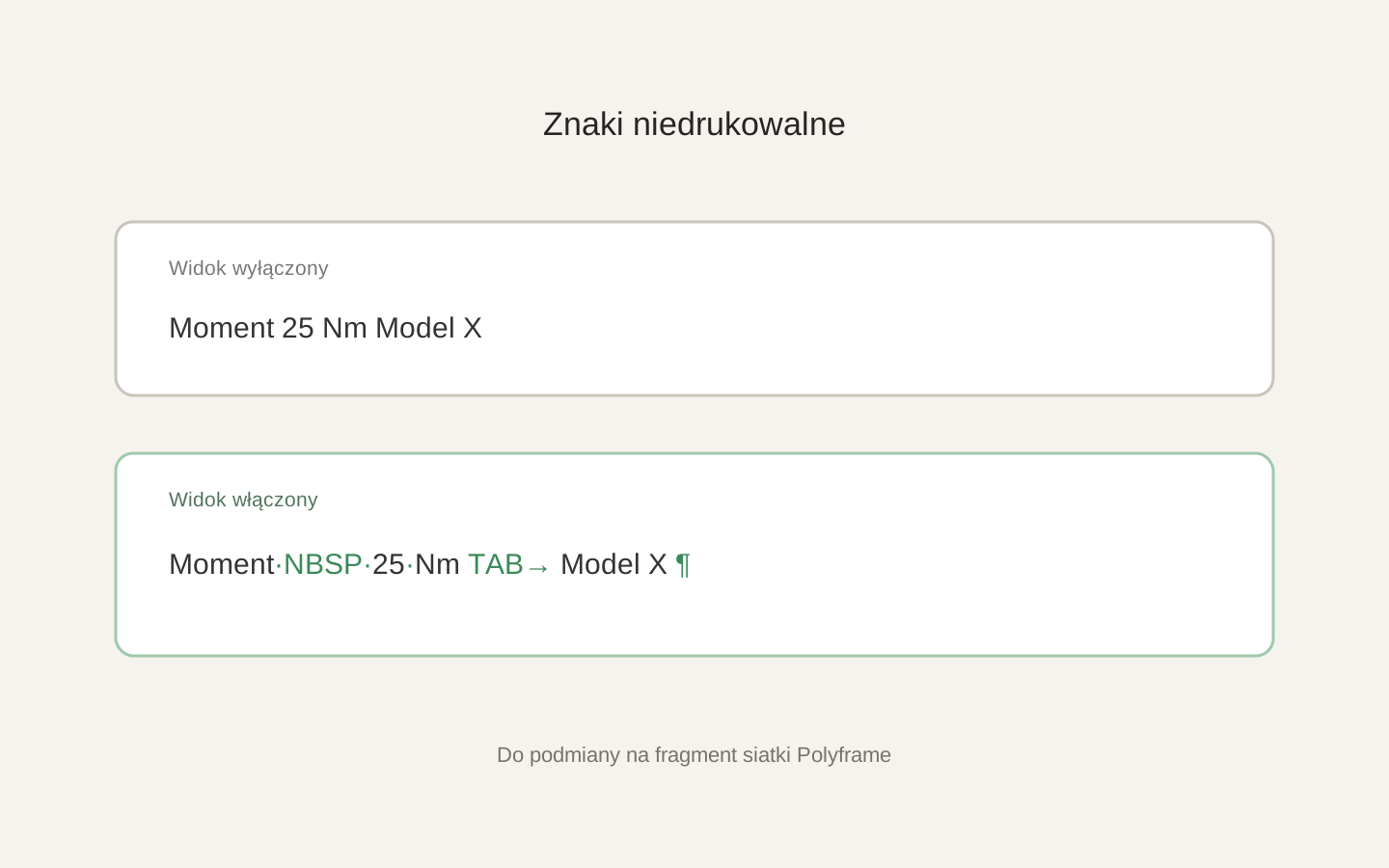 Image placeholder: show the same short segment with spaces, NBSP, TAB and paragraph end hidden and visible. 16:10 crop. Target alt text: “Nonprinting characters visible in the translation grid”.
The button changes display only. It does not remove characters from Source or Target. You can also control each micro tag type in Inspector > Settings > Special characters.
This view is useful when a sentence breaks in an unexpected place or a value and unit must stay together.
Do not remove every marker just because it makes the view busier. Some markers control correct layout in InDesign.
For AI behaviour, see micro tag rules.