
One .PFP project can contain several target languages. Each language has its own translations and settings.
Add a language
- Open the Settings tab in the Inspector.
- In Document targets, choose a language and add it to the project.
- Use the tabs above the grid to switch the active language.
A new language copies the current translation settings but starts with empty Target fields. Changing its target language in Settings also updates its project name.
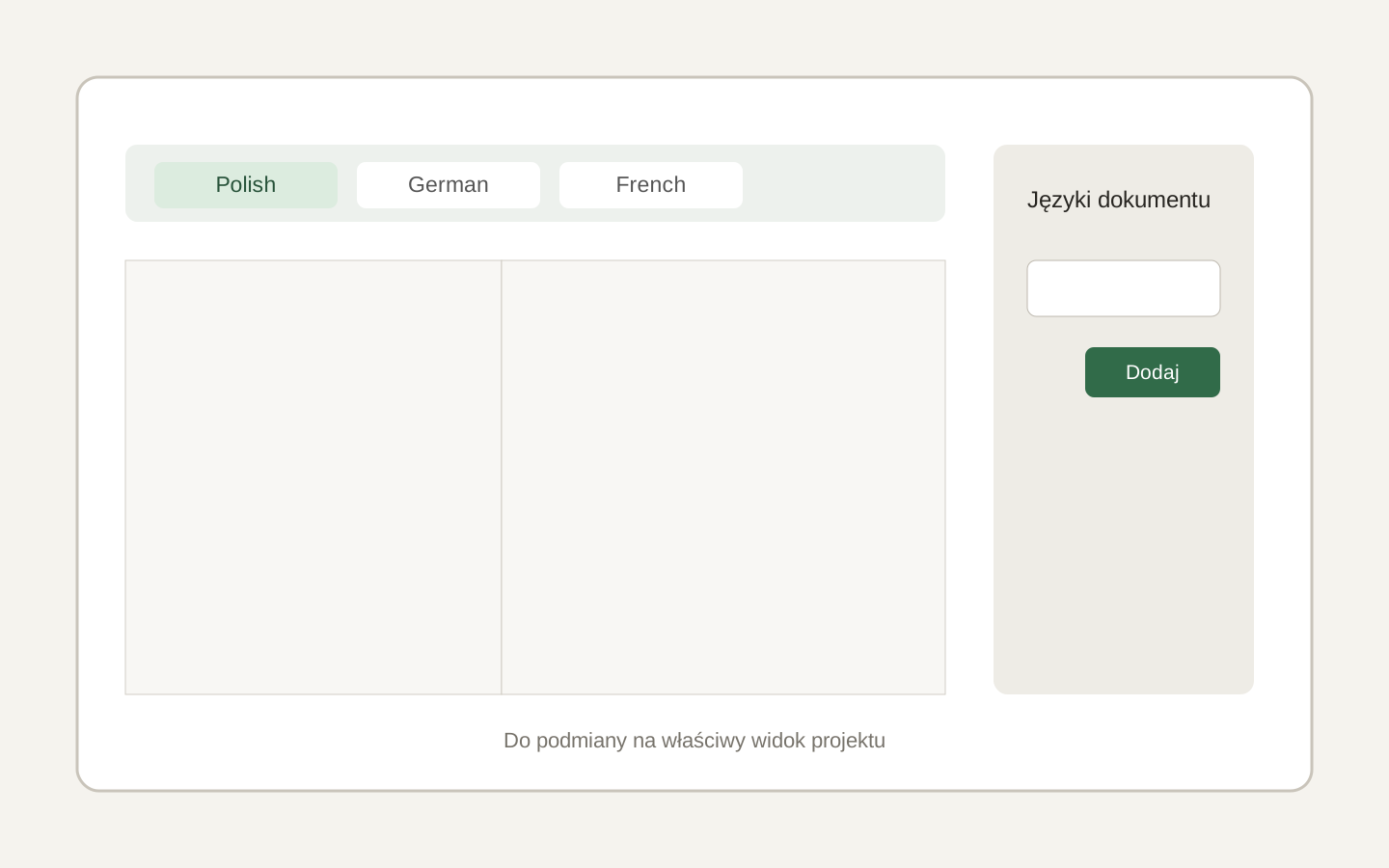 Image placeholder: show target tabs above the grid and the language control in the Inspector. 16:10 crop. Target alt text: “Switching target languages in a Polyframe project”.
You cannot remove the only target language. Switching languages and changing the list are also disabled while AI translation is running.
When all versions are ready, export all target languages.