
Polyframe starts in Trial mode. You do not need a card or a license key. The Trial has no time limit and includes all app features, your own AI providers and Ollama.
Trial and IDML export
You can save .PFP projects, export Excel XML and create IDML files in the Trial. The exported IDML has Polyframe marks in 5% of translated segments. An App Licence or an active Polyframe AI plan unlocks clean export.
Activate a license
- Open Settings and select Licence key.
- Paste your Polyframe key.
- Click Activate.
- Check that the app shows an active license for this device.
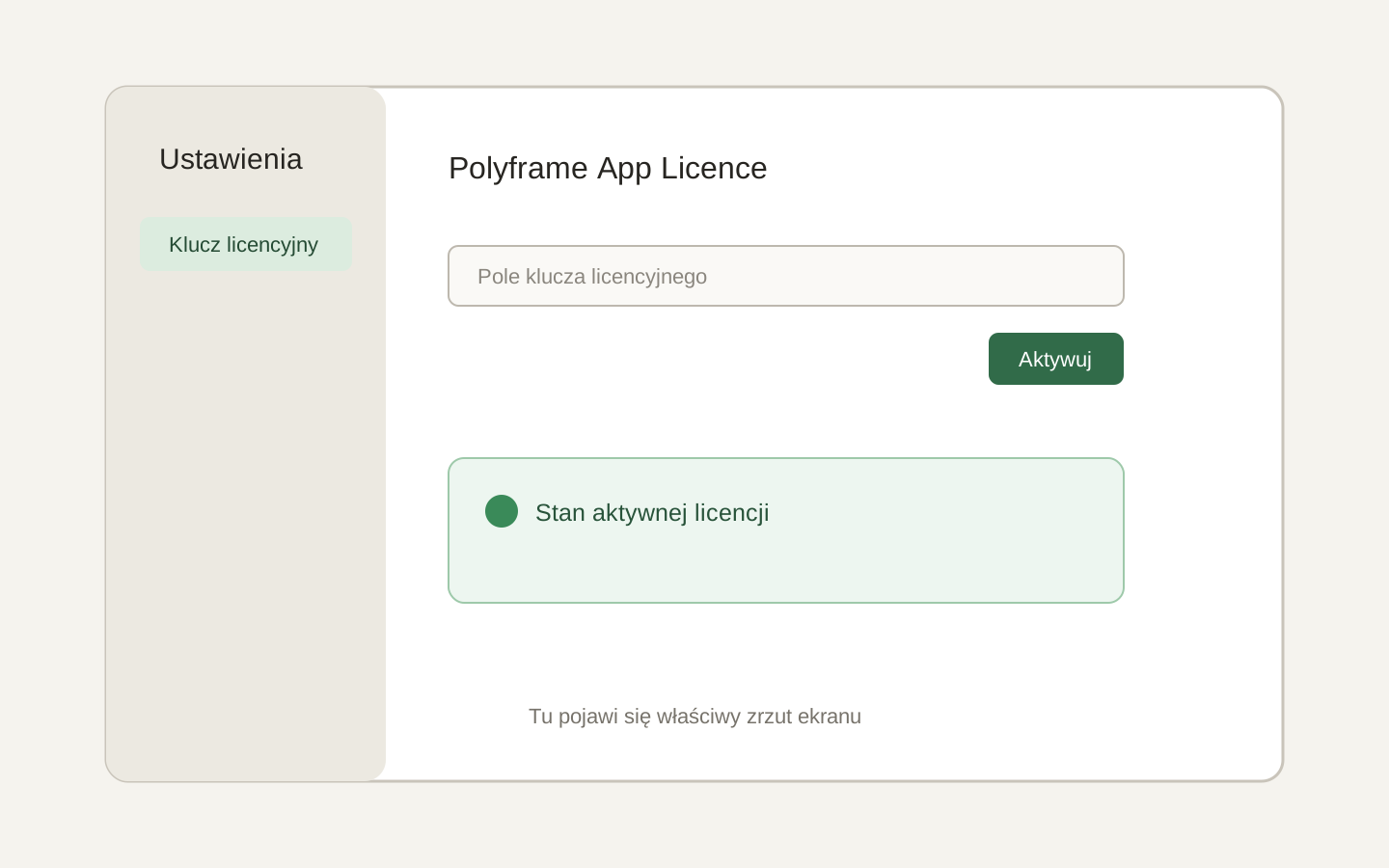 Image placeholder: show the key field, Activate button and active license state. 16:10 crop. Target alt text: “Activating a Polyframe license key in Settings”.
The license is cached for up to seven days of offline use. If the app asks to check it again, use Refresh license.
Removing the license from this device returns the app to Trial. It does not delete your project or translations.
Next, take a tour of the interface.