
Open Polyframe Settings with Cmd/Ctrl+,. The sections cover the license key, AI providers, Quick Actions, IDML defaults and visual options.
Local data
Keys for your own AI providers are stored on this computer. In AI providers, you can add OpenAI, Claude, Gemini, DeepL or Ollama, set a model and endpoint, and test access.
Ollama uses a local endpoint and does not need an API key. Polyframe AI is a managed service and always needs an internet connection.
App settings
You can also:
- choose up to three Quick Actions for the grid;
- set default IDML rules for new projects;
- change the interface language and accent colour.
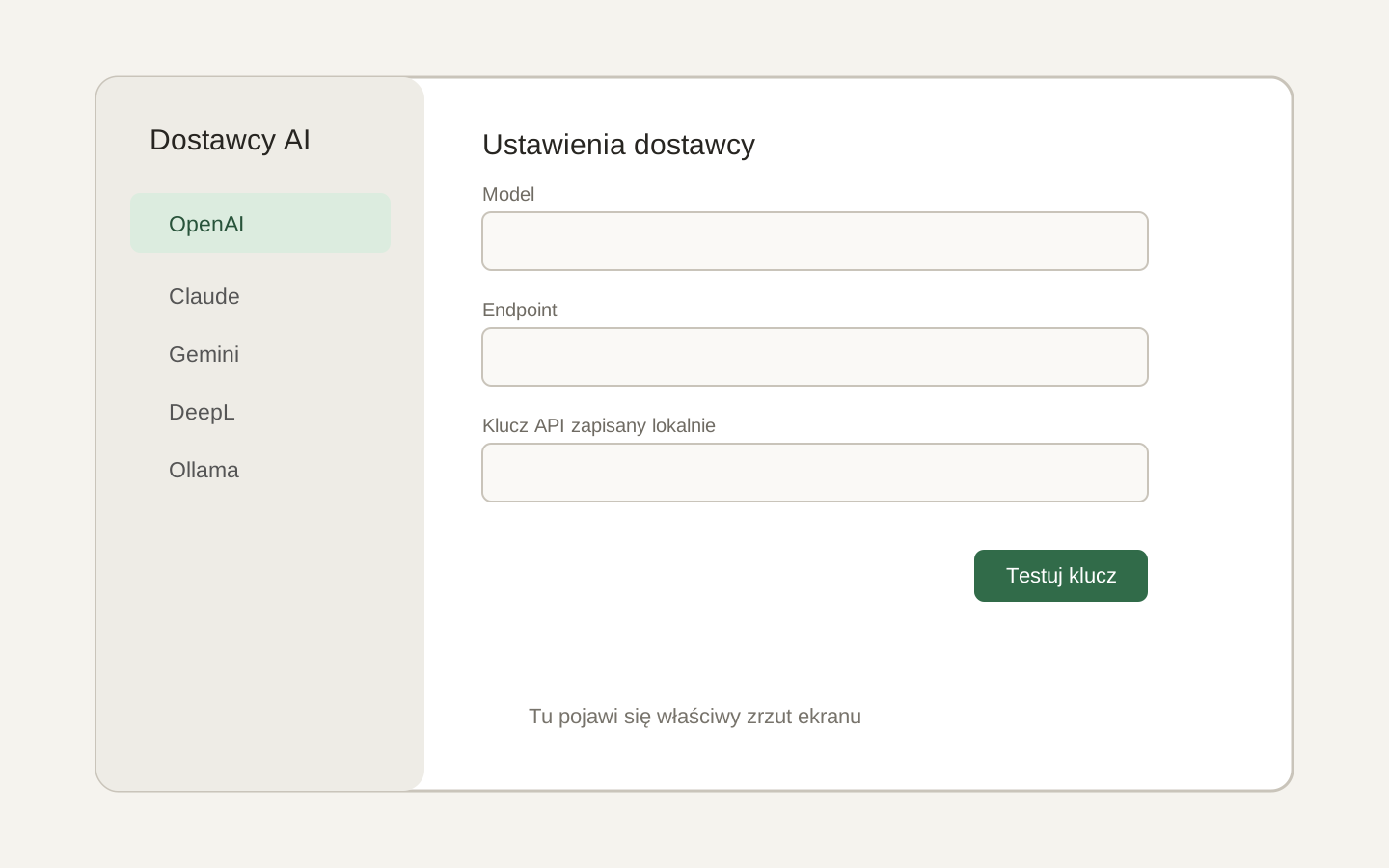 Image placeholder: show the provider list, model and endpoint fields, and the local key notice. 16:10 crop. Target alt text: “Settings for your own AI provider in Polyframe”.
Set a spending limit in your provider account as well. Deleting a key in Polyframe does not change the provider account.
For the full setup, see connect an AI provider.