
Automatic translation needs at least one available AI provider. Polyframe supports Polyframe AI, OpenAI, Claude, Gemini, DeepL and local Ollama.
Add your own provider
- Open Settings > AI providers.
- Click the add button and choose a provider.
- Check the model and endpoint.
- Paste the API key, then click Test key.
- Save the settings.
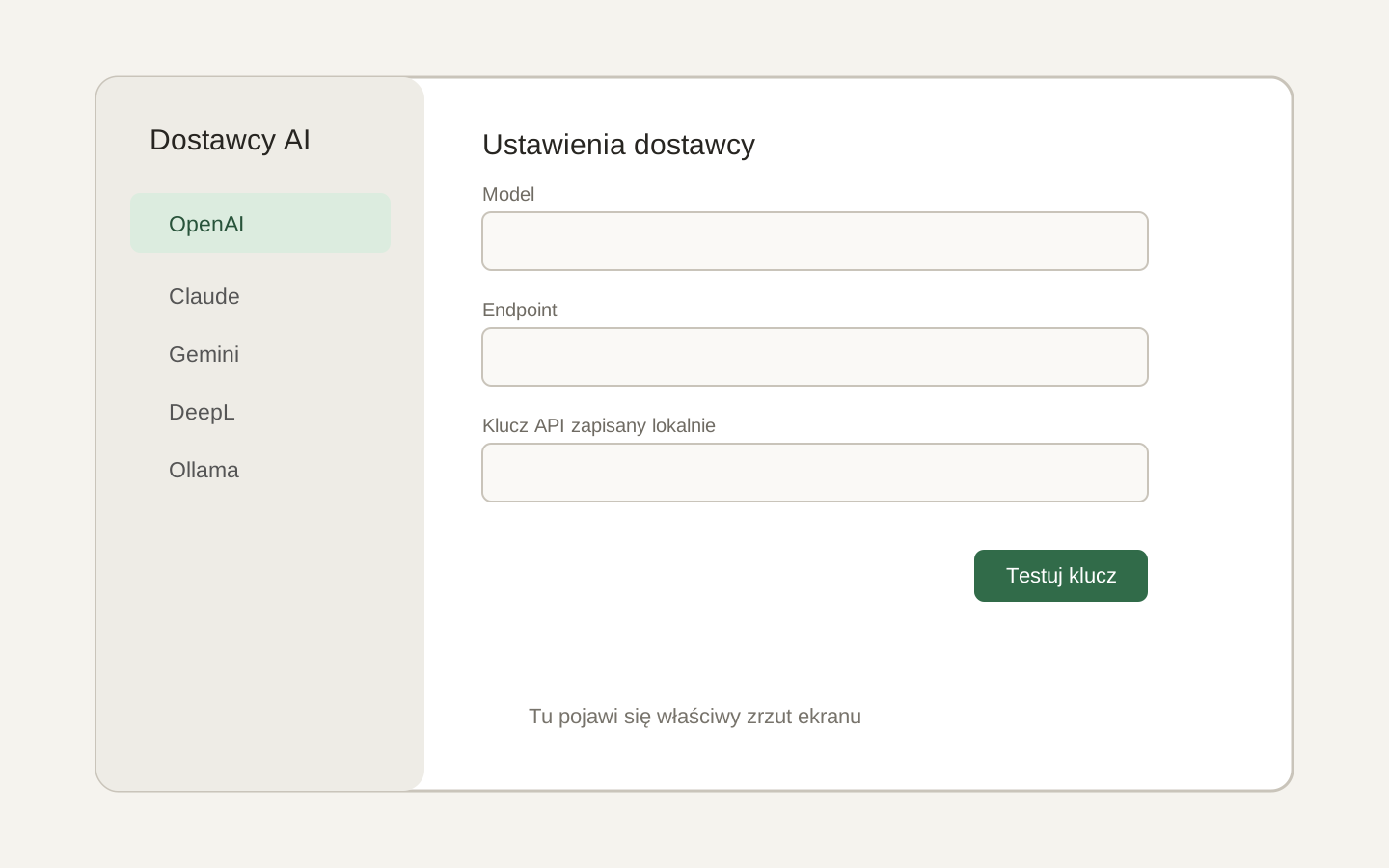 Image placeholder: show the provider list, model, endpoint and key fields, plus Test key. 16:10 crop. Target alt text: “Connecting an AI provider in Polyframe Settings”.
Your provider key is stored locally on the computer. Ollama uses a local endpoint and does not need a key. Polyframe AI appears in the same list, but access comes from an active plan.
DeepL supports translation, but not Shorten, Match Length, Expand or Rephrase.
A successful key test does not set a spending limit. Set one separately in your provider account.
After connecting a provider, write a project brief.