
On macOS, Polyframe commands are also available from the system menu bar.
Main menus
- Polyframe - app information, Settings and Quit;
- File - new project, IDML import,
.PFPopen and save, Excel XML, IDML export and validation; - Edit - undo in a text field or across the project, copy and paste rows;
- View - Translations, Memory, Warnings, row wrapping and nonprinting characters;
- AI - translate, shorten, match length, expand and rephrase;
- Memory - attach, create and manage a
.PFMmemory.
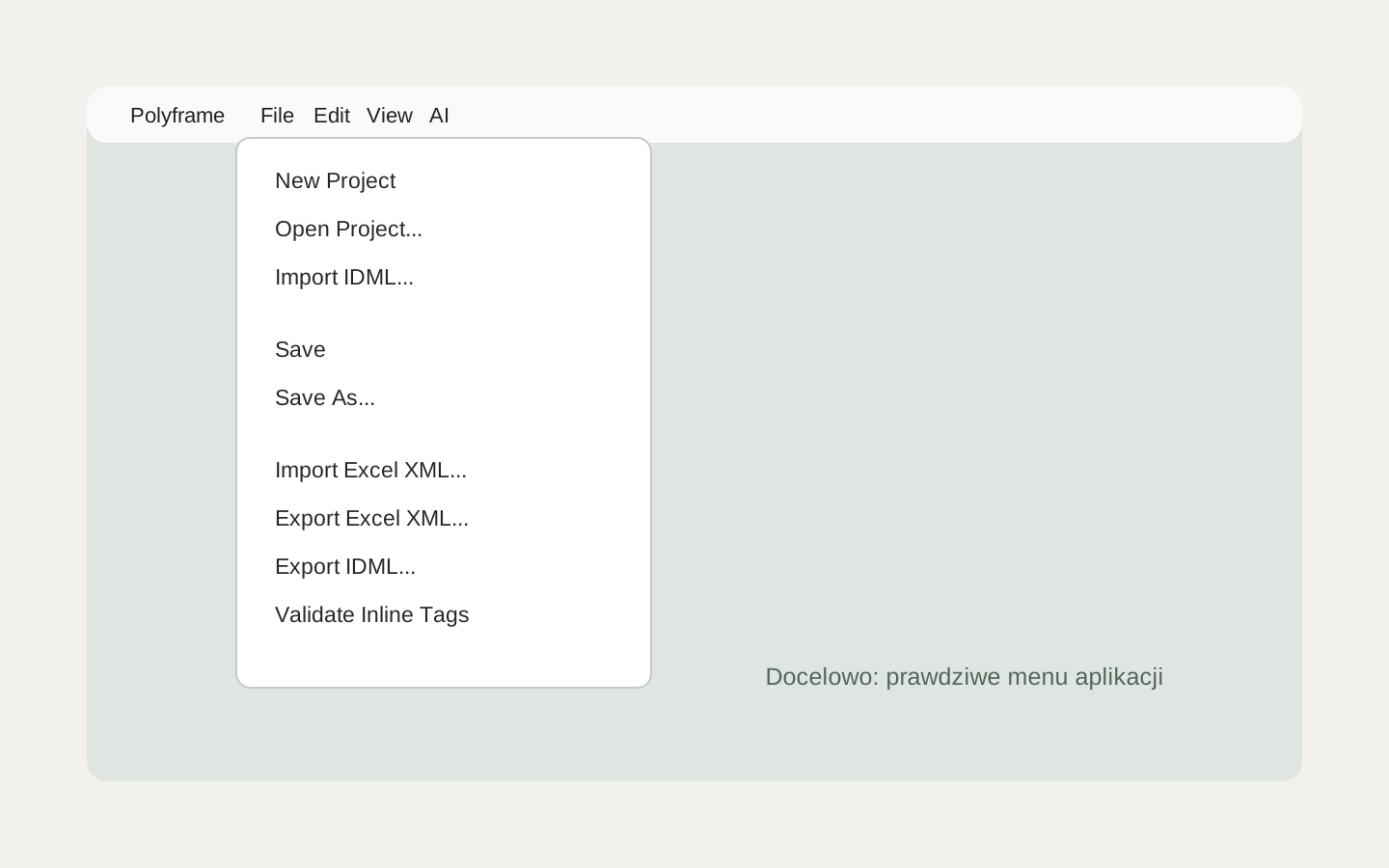 Image placeholder: show the open File menu with import, save, validation and export commands. 16:10 crop. Target alt text: “Polyframe commands in the macOS File menu”.
Some system command names may stay in English. Buttons inside the app use the selected interface language.
If you use the same commands often, see the keyboard shortcuts.